 This forum is hosted for free by Boardhost. Create your own free forum!
 1 of 1
- Antineutrino
- Corporal
 Offline
 - Registered: 12/30/2009
- Posts: 92
Desktops
Hello again,
This thread serves two purposes. Last things first, if you have a cool desktop setup, let us see it!
Alright, now back to the beginning.
About a month ago a couple friends of mine showed me some work they were doing on some extremely customized desktops, where it didn't even look like Windows anymore. I thought it was really cool at the time.
However, recently my soon-to-be-stepsiblings made some significant upgrades to their computers, indirectly eating away at my spending money (I don't get any allowance; my dad okays/nays each project on a per-case basis).
So basically, I got it through my head that I, as the only software programmer in the house (my dad does hardware, so his need for a machine that just works is not as urgent as mine) needed a computer that worked for me. My work and my entertainment both revolve around my computer, but I didn't (and still don't) have the funds to upgrade it.
So I was looking back over the old screenshots my friends sent me, and decided, "hey, I want to customize my computer, and really make it my own".
I have no experience in shell modification or graphic design, so this is all new to me. Basically I'm just messing around. The idea is I want to make my desktop completely clean and beautiful, while also making my files, programs, etc. as easy to access as possible.
I haven't made much progress yet, but what I've done so far is basically break down the shell; I removed all the icons, including the ones put there by the system. I removed the Start Menu, Taskbar, and Tray completely. Obviously I will need a functional Taskbar at some point for speed reasons but my plan is to keep the Start Menu and System Tray completely gone to make it more visually appealing.
I also used a little third-party plugin to display some stuff on my desktop, including a "Now Playing" gadget in the top-left corner. However, I'm working on a self-hack right now that, if it works, will integrate Windows Media Player so completely into the shell that I'll be able to build a playlist of my music and then play it without ever launching any media player, using only the keyboard for control and one corner of the desktop for display.
I don't know what I'm going to do with the background yet, the image there is just temporary for illustrative purposes.
I apologize for the huge wall of text, but the image won't mean anything without it. What I have to show is a very preliminary version, just showing how the desktop looks with everything removed and nothing put back in. So, without further ado: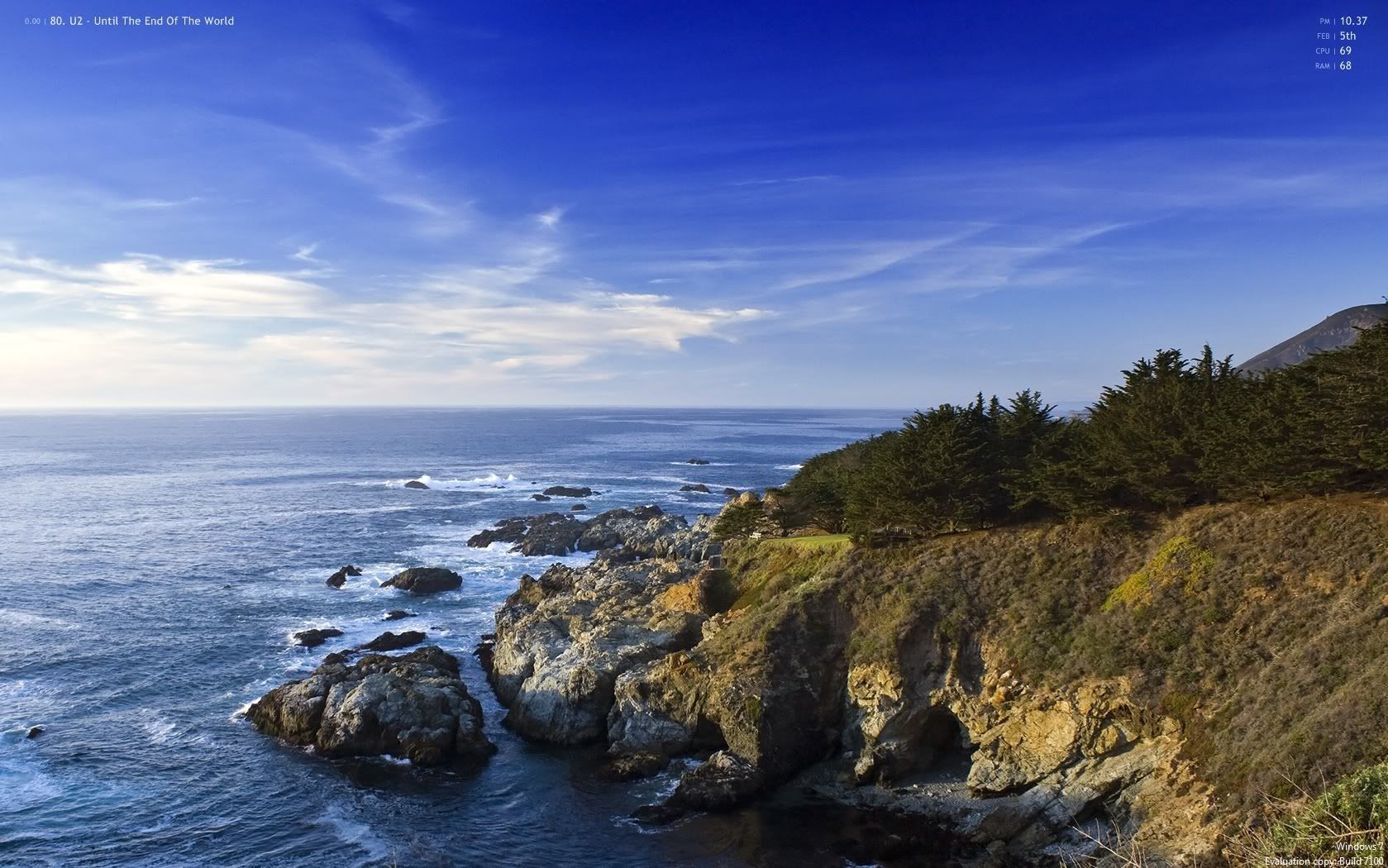
I'll post more screenshots when I make some more significant progress on it. So, have you done any customization of your own? I'd love to see it!


- Antineutrino
- Corporal
Offline
- Registered: 12/30/2009
- Posts: 92
Re: Desktops
I did some more customization. Still haven't figured out how to make that Windows Media Player integration trick work.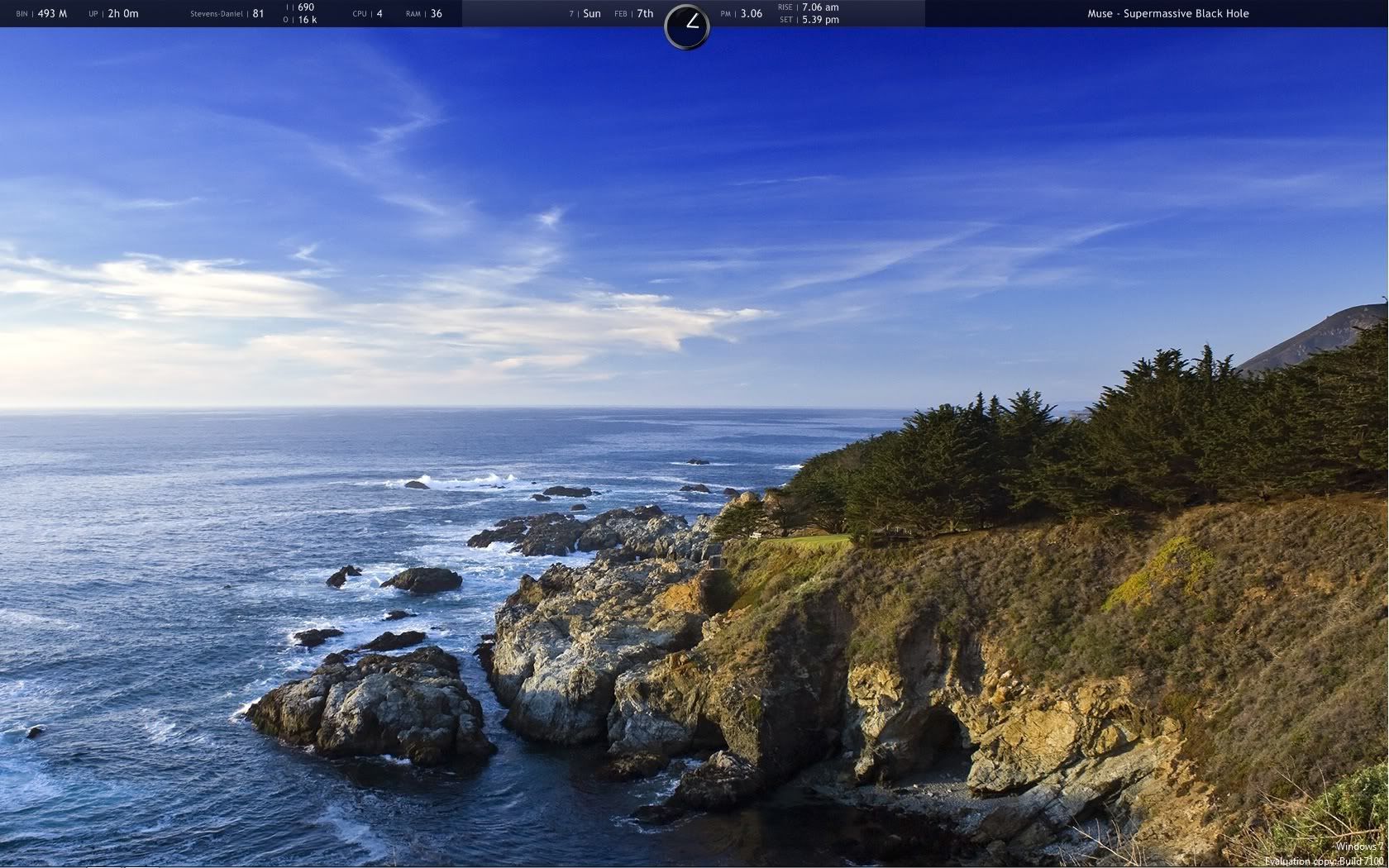
- •
 Thread Starter
- Antineutrino
- Corporal
Offline
- Registered: 12/30/2009
- Posts: 92
Re: Desktops
I rebuilt my config from scratch now that I'm working with my laptop as my primary (only) computer. It draws heavily from the old look but is a little more streamlined in terms of text size and overall color balance.
Here's the new look: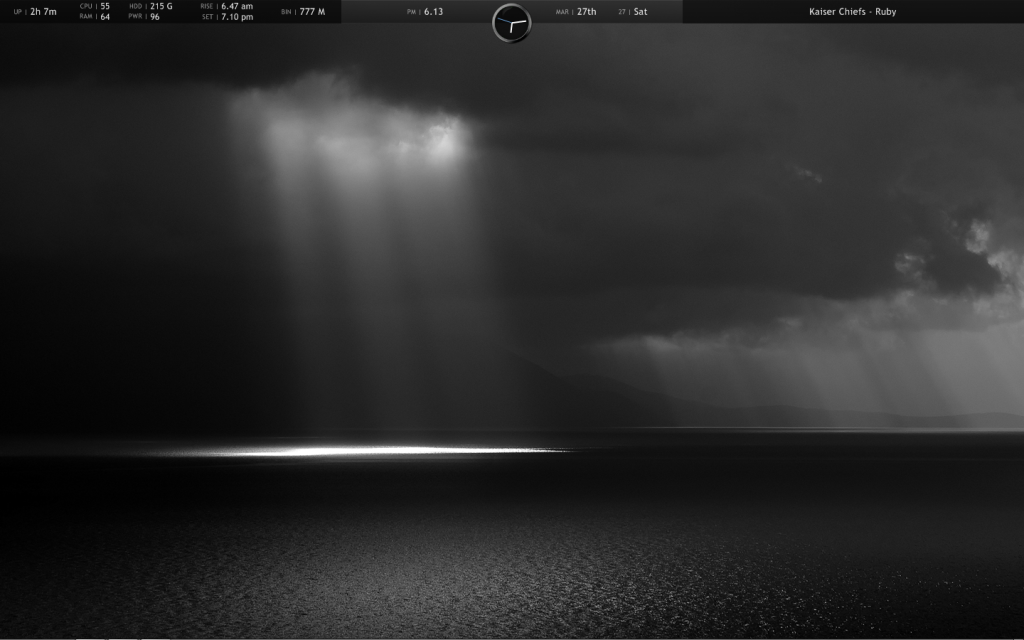
- •
Thread Starter- Garif
- Corporal
Offline
- Registered: 12/30/2009
- Posts: 104
Re: Desktops
Nice and sober, nice!~The wallpaper is rather depressing tho 

- Antineutrino
- Corporal
Offline
- Registered: 12/30/2009
- Posts: 92
Re: Desktops
I like black a lot. I can never make up my mind though, usually I switch the background every couple weeks.
- •
Thread Starter- Souli
- Pioneer
Offline
- Registered: 1/15/2010
- Posts: 82
Re: Desktops
I don't think it's depressing! I think it's rather awesome :D Good job Anti! I wonder where you got that wallpaper...? Makes me want it for myself!
- Antineutrino
- Corporal
Offline
- Registered: 12/30/2009
- Posts: 92
Re: Desktops
Uh, I'll post the link later if I remember x.x
It's a whole site full of real photographs photoshopped to look crazy and surreal.
- •
Thread Starter- Miracula
- Pioneer
Offline

- Registered: 2/25/2010
- Posts: 186
Re: Desktops
It isnt a real and beautiful landscape, but it is my desktop :o